 BendAnySTL
How to wrap text or a logo around a cylinder
Make the text or logo flat, then curve it to fit a cup, bottle or tube.
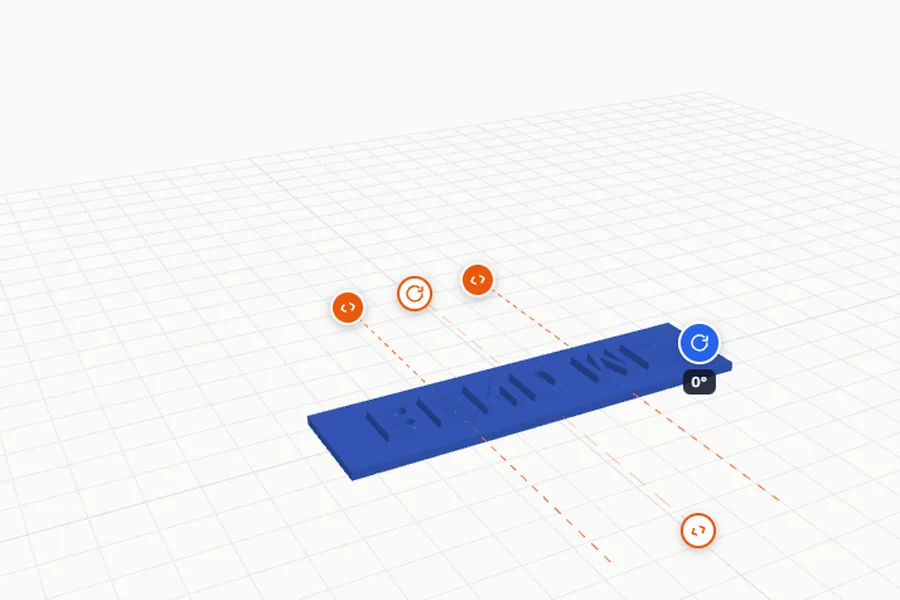
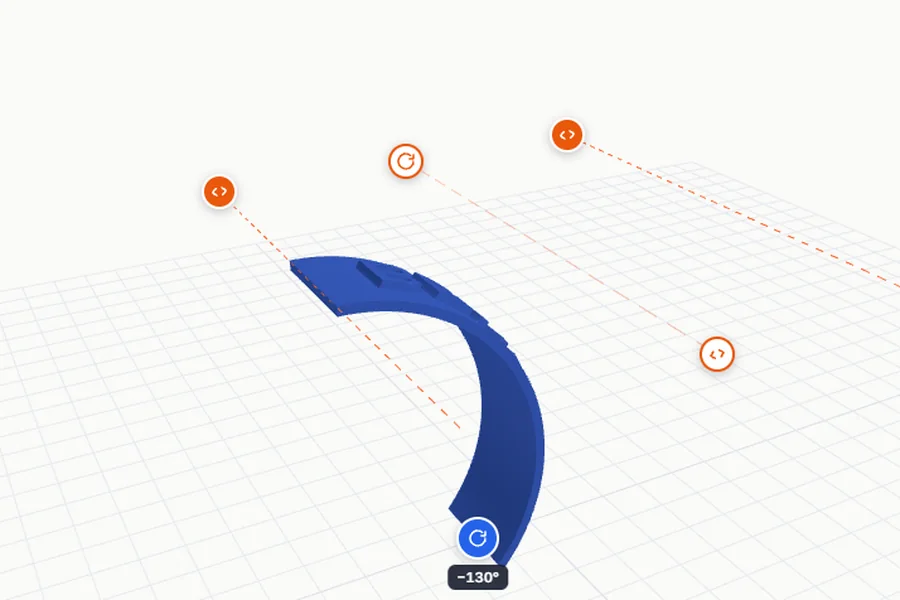
Step by step
- Load the flat plate. Open BendAnySTL and drop in the STL or STEP.
- Curve it. Set the bend zone Width to 100% and choose the Bend angle.
- Export. Click Export.
Which angle?
- Angle = plate length ÷ (3.14 × diameter) × 360.
- Example: an 80 mm plate on a 75 mm cup needs about 122°.
- Text facing inward? Use a negative angle.
- Have the round part as a model? Load it under Reference and click Fit to surface.
Common questions
Do the letters get distorted? Very little. The plate is bent, not stretched.
Does the text need a backing plate? It works best: separate letters need something to hold them together.
More guides
How to bend an STL file onlineDrop the file, drag a handle, export.How to bend a flex PCB 3D model to preview it as installedFold the flat STEP export of a flex board into its real shape.How to bend a STEP file onlineOpen STEP, bend it, save STEP again.How to fit a flat part to a curved surfaceBend a flat part so it follows another part.How to curve a flat lithophane STLMake a flat lithophane curved or fully round.How to roll a flat STL into a ring, bracelet or clipRoll a flat strip into a ring, bracelet or clip.How to bend a tube, pipe or rod 3D modelAdd an elbow to a tube or fold a plate into a bracket.