 BendAnySTL
How to bend an STL file online
Bend any STL or STEP model in your browser. Free, no install, and your file is never uploaded.
Step by step
- Load your model. Open BendAnySTL and drop in an STL or STEP file.
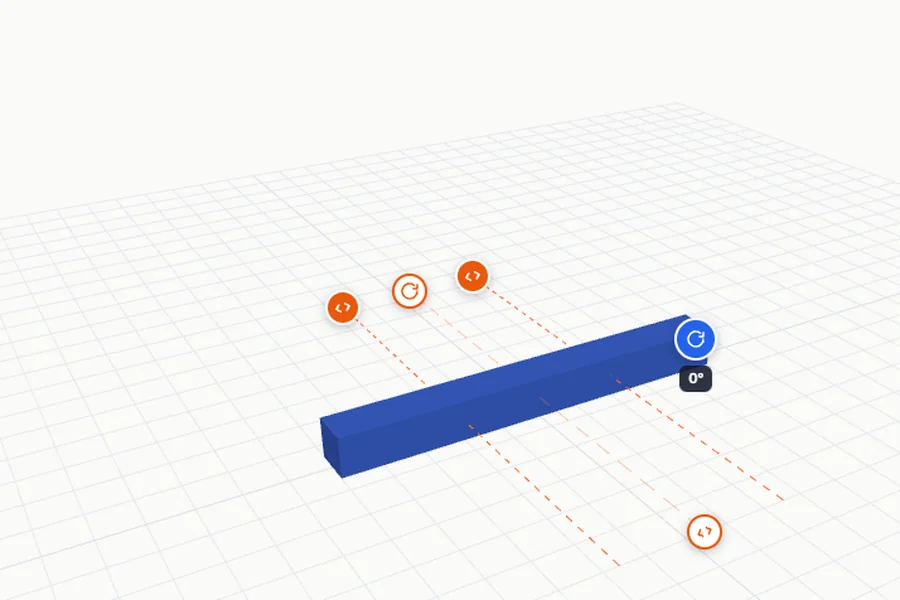
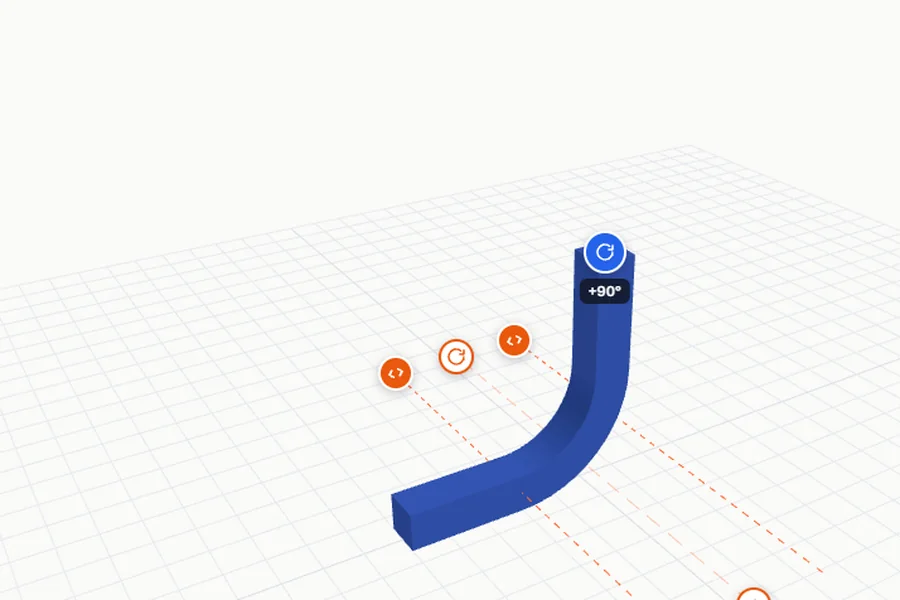
- Bend it. Drag the blue handle, or set the Bend angle.
- Place the bend. Drag the orange handles to choose which part curves.
- Export. Click Export. STL is the default; 3MF, OBJ and STEP are under Export options.
Tips
- A narrow bend zone gives a tight corner, a wide one a gentle curve.
- Click Apply bend to add another bend. Up to 20, each can be undone.
- Hold Shift while dragging to snap to 15°.
- The bend radius is shown under Bend zone.
Common questions
Is it free? Yes. No account, no watermark, no limits.
Is my file uploaded? No. Everything runs in your browser.
Will it still print? Yes. A watertight model stays watertight.
More guides
How to bend a flex PCB 3D model to preview it as installedFold the flat STEP export of a flex board into its real shape.How to bend a STEP file onlineOpen STEP, bend it, save STEP again.How to fit a flat part to a curved surfaceBend a flat part so it follows another part.How to curve a flat lithophane STLMake a flat lithophane curved or fully round.How to roll a flat STL into a ring, bracelet or clipRoll a flat strip into a ring, bracelet or clip.How to wrap text or a logo around a cylinderCurve a flat nameplate, text or logo to fit a round part.How to bend a tube, pipe or rod 3D modelAdd an elbow to a tube or fold a plate into a bracket.