 BendAnySTL
How to roll a flat STL into a ring, bracelet or clip
Design the strip flat, then roll it into a ring, bracelet or clip.
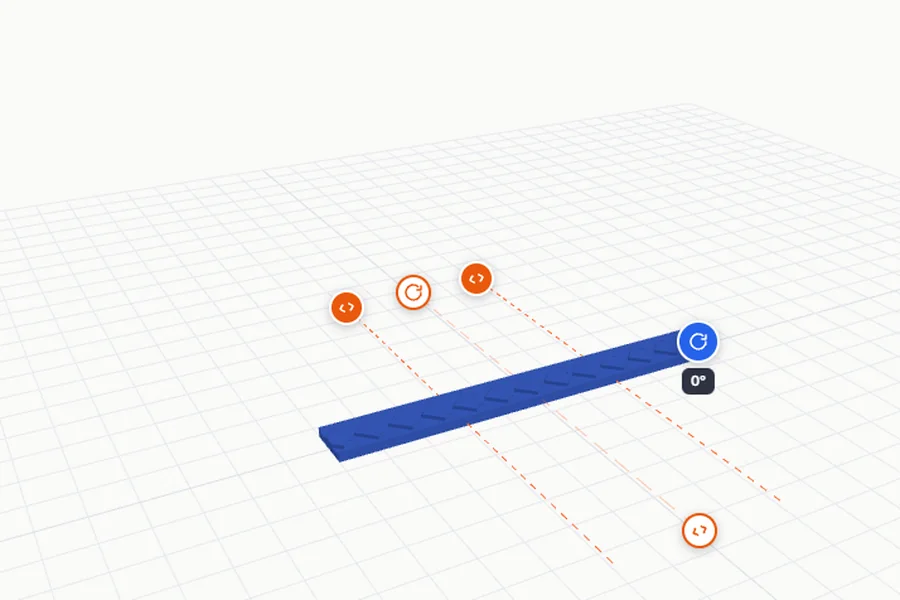
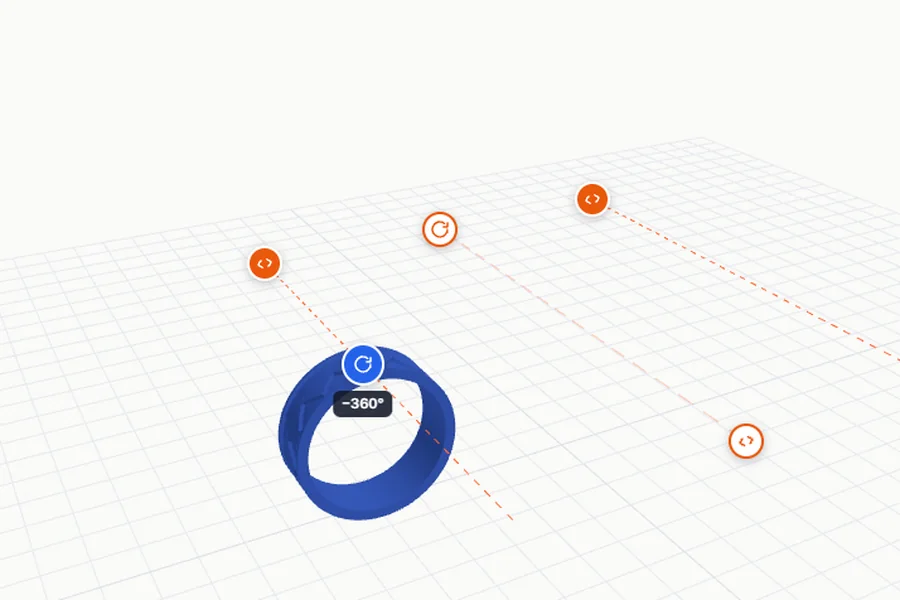
Step by step
- Load the strip. Open BendAnySTL and drop in the flat strip.
- Use the whole length. Set the bend zone Width to 100%.
- Roll it. Set the Bend angle: 360° for a ring, 300° for an open bracelet, 180° for a clip.
- Export. Click Export.
Getting the size right
- Strip length = (inside diameter + thickness) × 3.14.
- Example: a 62 mm bracelet from a 2 mm strip needs a 201 mm strip.
- Patterns on the strip are bent with it.
Common questions
Are the ends joined at 360°? They touch and print as one piece.
Can I make a spiral? Yes. Click Apply bend, then bend again in another direction.
More guides
How to bend an STL file onlineDrop the file, drag a handle, export.How to bend a flex PCB 3D model to preview it as installedFold the flat STEP export of a flex board into its real shape.How to bend a STEP file onlineOpen STEP, bend it, save STEP again.How to fit a flat part to a curved surfaceBend a flat part so it follows another part.How to curve a flat lithophane STLMake a flat lithophane curved or fully round.How to wrap text or a logo around a cylinderCurve a flat nameplate, text or logo to fit a round part.How to bend a tube, pipe or rod 3D modelAdd an elbow to a tube or fold a plate into a bracket.