 BendAnySTL
How to curve a flat lithophane STL
Turn a flat lithophane into a curved one that stands on its own.
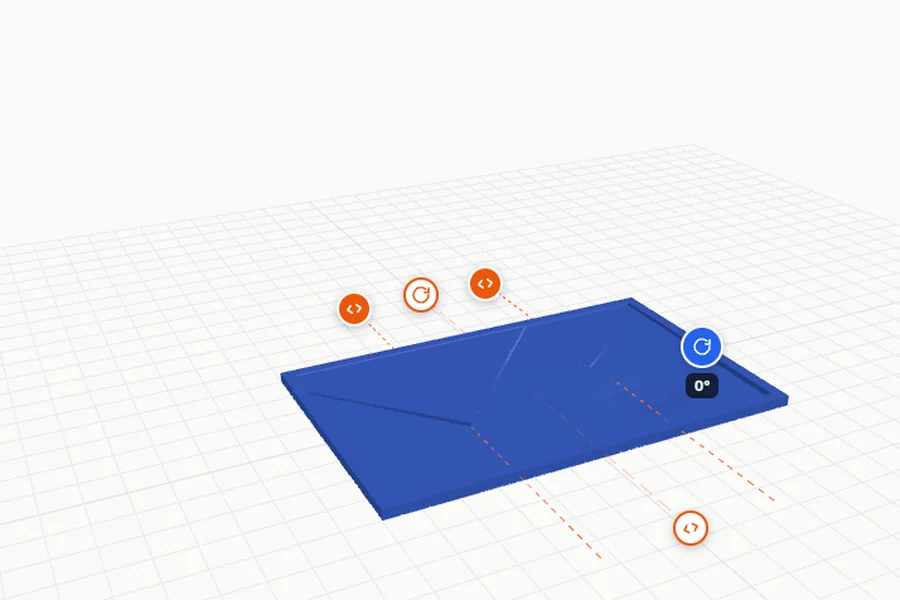
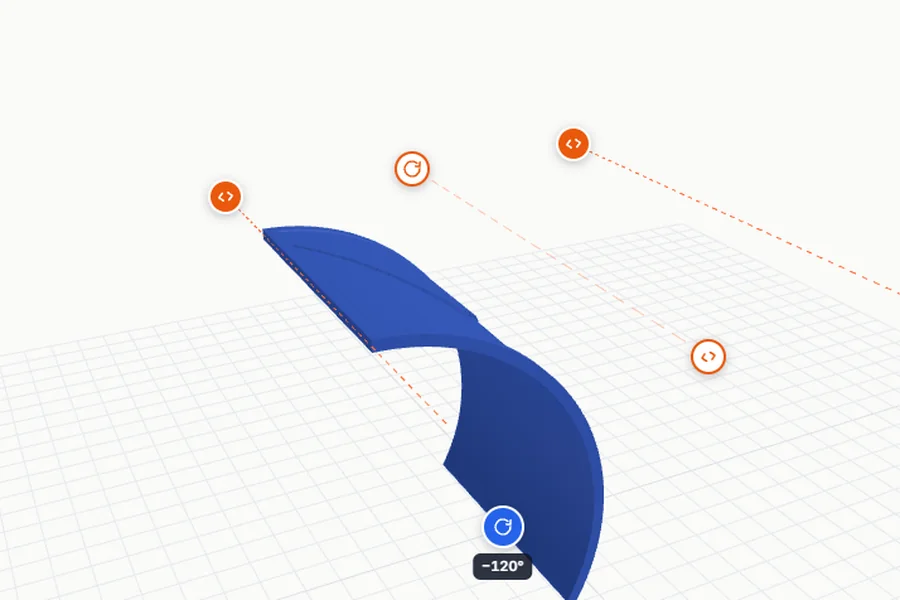
Step by step
- Load the lithophane. Open BendAnySTL and drop in the flat STL.
- Bend the whole panel. Set the bend zone Width to 100%.
- Choose the curve. Set the Bend angle: 120° for a curved panel, 360° for a cylinder.
- Export. Click Export and print it standing on its edge.
Tips
- Picture on the wrong side? Use a negative angle.
- Thickness is kept, so light and dark areas stay the same.
- Cylinder diameter = panel width ÷ 3.14.
Common questions
Is the picture distorted? No. The panel keeps its width.
Is my photo uploaded? No. It stays in your browser.
More guides
How to bend an STL file onlineDrop the file, drag a handle, export.How to bend a flex PCB 3D model to preview it as installedFold the flat STEP export of a flex board into its real shape.How to bend a STEP file onlineOpen STEP, bend it, save STEP again.How to fit a flat part to a curved surfaceBend a flat part so it follows another part.How to roll a flat STL into a ring, bracelet or clipRoll a flat strip into a ring, bracelet or clip.How to wrap text or a logo around a cylinderCurve a flat nameplate, text or logo to fit a round part.How to bend a tube, pipe or rod 3D modelAdd an elbow to a tube or fold a plate into a bracket.